

Hands-On Labs Launched December 2025

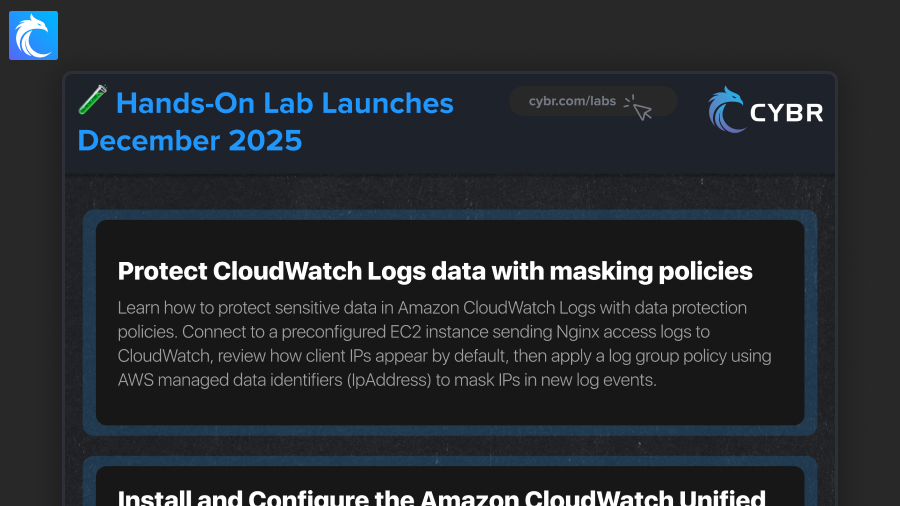
We added two new Hands-On Labs in December 2025 to Cybr’s growing catalog. Let’s take a look!
Protect CloudWatch Logs data with masking policies

Learn how to protect sensitive information in Amazon CloudWatch Logs using data protection policies. You will start by connecting to a preconfigured EC2 instance that is already sending Nginx access log to CloudWatch, then review the log events in CloudWatch to see how sensitive fields (client IP addresses) appear by default. From there, you will create a log group–level data protection policy using AWS’s managed data identifiers (IpAddress) to automatically detect and mask IP addresses in new incoming log events.
Install and Configure the Amazon CloudWatch Unified Agent on EC2

Learn how to install and configure the Amazon CloudWatch Unified Agent on an EC2 instance to collect both system metrics and application logs. You will connect to an EC2 instance, install the agent, generate a configuration template using the built in wizard, and start the agent using that configuration. By the end of the lab, you will verify that metrics and logs are successfully being sent to Amazon CloudWatch and understand how the CloudWatch agent uses IAM roles, local configuration files, and AWS services to provide visibility into EC2 workloads. This skill is foundational for monitoring, troubleshooting, and security visibility in AWS environments.





Responses