

Hands-On Labs Launched October 2025

We added three new Hands-On Labs in October 2025 to Cybr’s growing catalog. Let’s take a look!
Bedrock AgentCore Privilege Escalation via Code Interpreters
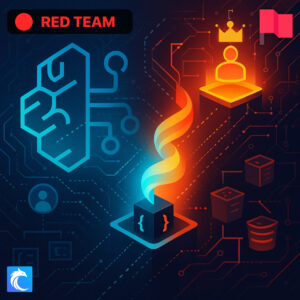
This is our first AI security lab! More to come.
Learn how a limited user can escalate privileges in AWS Bedrock AgentCore by abusing an overprivileged code interpreter role. Exploit a misconfigured custom code interpreter by directly invoking arbitrary Python and shell commands that execute with the interpreter’s IAM role permissions rather than their own limited credentials, enabling unauthorized S3 data exfiltration and control plane access. The lab teaches the security implications of overprivileged AI infrastructure, proper least-privilege controls for execution roles, and how Public vs Sandbox network modes affect the attack surface.
Hunting for Ghost Databases in the Cloud
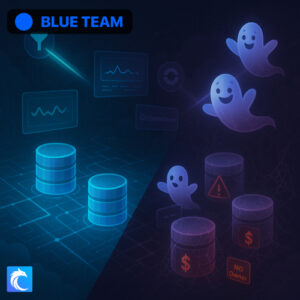
Learn how to detect “ghost databases” which are abandoned cloud database instances that remain active and incur costs despite having no connections or ownership. While this topic applies to all cloud platforms, the lab demonstrates detection techniques with Amazon RDS. You’ll use both AWS-native tools (CloudWatch metrics, RDS Performance Insights, Cost Explorer) and open-source/multi-cloud solutions (Steampipe for SQL-based queries and Cloud Custodian for policy-based automation). Through these tools, you’ll discover how to identify inactive RDS instances by analyzing connection patterns, missing tags, and usage metrics over extended periods. Please note: databases take a while to deploy, so this lab can take up to 10 minutes to be ready. Familiarize yourself with the lab guide below what you wait!
Remediating Ghost Databases in the Cloud
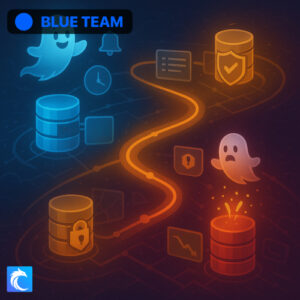
Learn how to detect “ghost databases” which are abandoned cloud database instances that remain active and incur costs despite having no connections or ownership. While this topic applies to all cloud platforms, the lab demonstrates detection techniques with Amazon RDS. You’ll use both AWS-native tools (CloudWatch metrics, RDS Performance Insights, Cost Explorer) and open-source/multi-cloud solutions (Steampipe for SQL-based queries and Cloud Custodian for policy-based automation). Through these tools, you’ll discover how to identify inactive RDS instances by analyzing connection patterns, missing tags, and usage metrics over extended periods. Please note: databases take a while to deploy, so this lab can take up to 10 minutes to be ready. Familiarize yourself with the lab guide below what you wait!




Responses